Frontend/JavaScript
[JS] day2 - JS and CSS Clock ( 돌아가는 시계 만들기 )
dev6v6
2025. 2. 19. 20:52

처음엔 바늘들이 9시를 가리키고 있어서 90도 돌려줬다 . 제일 오른쪽을 기준으로 바늘을 돌려주면 된다.
      transform: rotate(90deg);
      transform-origin: 100% 50%;
      /* 축을 오른쪽으로 두고 회전시키려면 right(X축 100%) center(Y축 50%)와 같음. */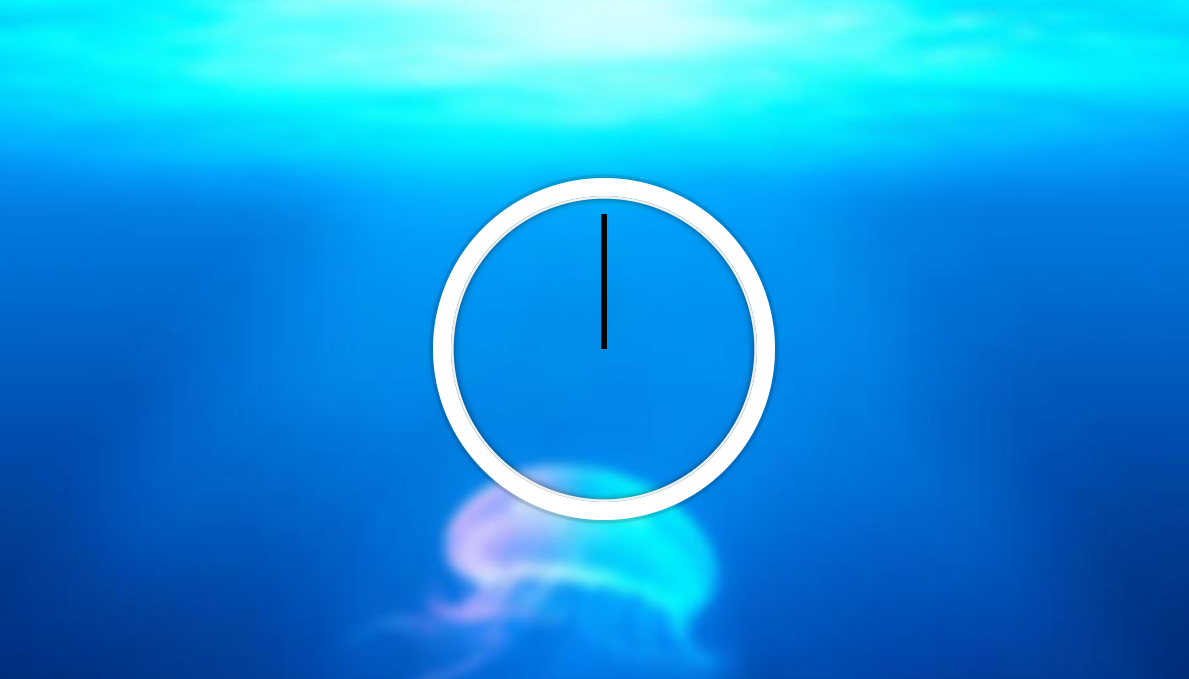
이제 시간이 지날때마다 초침, 분침, 시침을 움직여 줘야한다.
현재 시간을 받아오고
const now = new Date();
만약 42초라면 360도 : 60초 = x 도 : 42초 이렇게 비례식을 세워서 x를 구하면 된다!
x = 360 × 42 ÷ 60
여기까지 하면 초침은 돌아가야 하는데 돌아가지 않는다..
  <script>
    const secondHand = document.getElementsByClassName("second-hand");
    const minHand = document.getElementsByClassName("min-hand");
    const hourHand = document.getElementsByClassName("hour-hand");

    function updateClock () {
      const now = new Date();

      const seconds = now.getSeconds();
      const secDegrees = ( seconds * 360 ) / 60 + 90; // 여기서 90은 초기값이 9시를 가리키기 때문에 12시로 맞춰준거
      secondHand.style.transform = `rotate(${secDegrees}deg)`;

      const minutes = now.getMinutes();
      const hours = now.getHours();

    }

    setInterval(updateClock, 1000); // 1초(1000ms)마다 updateClock 함수를 실행

    updateClock(); // 위 코드만 있으면 첫 1초동안 시계가 안 움직인다. 그래서 한번 실행해줌.

  </script>
문제점 & 해결
getElementsByClassName()은 HTMLCollection을 반환
- document.getElementsByClassName("second-hand") → 배열 비슷한 객체(HTMLCollection)를 반환함
- 하지만 style.transform을 적용하려면 단일 요소를 선택해야 해!
- ✅ 해결 방법 → document.querySelector() 를 사용하거나, [0]을 붙여서 첫 번째 요소를 선택
const secondHand = document.querySelector(".second-hand"); const secondHand = document.getElementsByClassName("second-hand")[0];
이때 document.querySelectorAll() 은 또 배열 비슷한 객체를 반환한다.
querySelectorAll() vs getElementsByClassName()
더보기
둘 다 여러 개의 요소를 선택하는 메서드라서 비슷하지만, 중요한 차이점이 있당
| getElementsByClassName() | HTMLCollection | ✅ (자동 업데이트) | document.getElementsByClassName("class") |
| querySelectorAll() | NodeList | ❌ (고정된 리스트) | document.querySelectorAll(".class") |
1️⃣ 반환하는 데이터 타입이 다름
- getElementsByClassName() → HTMLCollection (유사 배열 객체)
- querySelectorAll() → NodeList (유사 배열 객체)
2️⃣ HTML이 변경되었을 때 반영 방식이 다름
- getElementsByClassName() → HTML이 변하면 자동으로 반영됨! (live collection)
- querySelectorAll() → 고정된 리스트를 반환 (HTML이 바뀌어도 처음 선택된 요소들만 유지됨)
3️⃣ 선택 방식
- getElementsByClassName() → 클래스 이름만으로 요소 선택 가능
- querySelectorAll() → CSS 선택자 방식 사용 가능 (.class, #id, div > p 등 가능)
예를 들어
- 버튼을 클릭하면 <li class="item">새 아이템</li>이 추가됨.
- getElementsByClassName은 자동 업데이트되어 길이가 늘어남.
- querySelectorAll은 처음 선택된 요소들만 유지되어 길이가 변하지 않음.
언제 어떤 걸 써야 할까?
| HTML이 바뀔 때 자동 업데이트가 필요함 | getElementsByClassName() |
| CSS 선택자로 더 정밀한 선택이 필요함 | querySelectorAll() |
| 배열 메서드(forEach, map)를 사용하고 싶음 | querySelectorAll() (NodeList는 forEach 가능) |
| 빠른 속도가 필요함 (최적화 중요할 때) | getElementsByClassName() (querySelectorAll()보다 빠름) |
분침 = 36분 23초일때 36분에 대한 각도 + 23초에 대한 각도 모두 계산 해줘야 한다.
이렇게 해야 1분 지날때 딱딱 끊겨서 움직이지 않고 연속적으로 움직이는 걸로 보임!
      const minutes = now.getMinutes();
      const minDegrees = ( minutes * 360 ) / 60 + ( seconds * 0.1 ) + 90;  // 1분: 6도  1초 : 0.1도
      minHand.style.transform = `rotate(${minDegrees}deg)`;

      const hours = now.getHours();
      const hourDegrees = ( hours * 360 ) / 12 + ( minutes * 0.5 ) + 90; // 1시간: 30도  1분: 0.5도
      hourHand.style.transform = `rotate(${hourDegrees}deg)`;
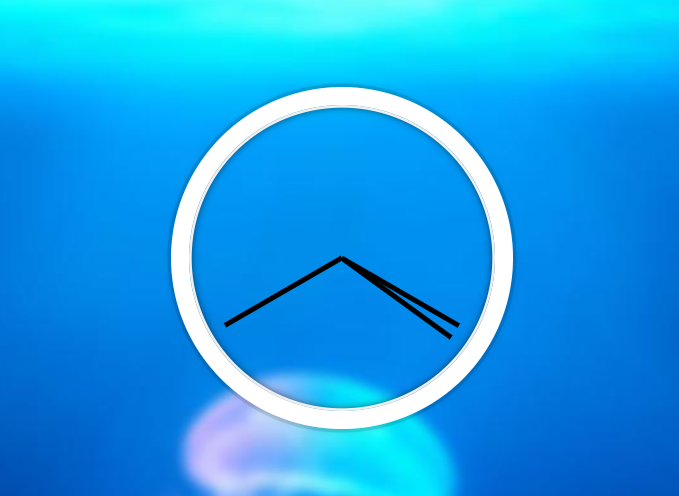
이제 시침, 분침, 초침 구별해주고 움직이는 모션 업그레이드 해보자.
css
    .hand {
      width: 50%;
      height: 6px;
      background: black;
      position: absolute;
      top: 50%;
      transform: rotate(90deg);
      transform-origin: 100% 50%; /* 축을 오른쪽으로 두고 회전시키려면 right(X축 100%) center(Y축 50%)와 같음. */
      transition: all 0.1s; /*모든 속성을 0.05초 동안 변화시킴*/
      transition-timing-function: cubic-bezier(0.1, 2.3, 0.58, 1);
      border-radius: 30%; /*모양을 좀 더 시침처럼 만들어줌*/
    }

    .min-hand {
      width: 45%; /*길이 줄이기*/
      right: 50%; /*이걸 해줘야 시계 중심에서 안떨어짐*/
      height: 7px;
    }
    .hour-hand {
      width: 35%;
      right: 50%; /*이걸 해줘야 시계 중심에서 안떨어짐 */
      height: 8px
    }
script
  <script>
    const secondHand = document.querySelector(".second-hand");
    const minHand = document.querySelector(".min-hand");
    const hourHand = document.querySelector(".hour-hand");

    function updateClock () {
      const now = new Date();

      const seconds = now.getSeconds();
      const secDegrees = ( seconds * 360 ) / 60 + 90; // 여기서 90은 초기값이 9시를 가리키기 때문에 12시로 맞춰준거
      secondHand.style.transform = `rotate(${secDegrees}deg)`;

      const minutes = now.getMinutes();
      const minDegrees = ( minutes * 360 ) / 60 + ( seconds * 0.1 ) + 90;  // 1분: 6도  1초 : 0.1도
      minHand.style.transform = `rotate(${minDegrees}deg)`;

      const hours = now.getHours();
      const hourDegrees = ( hours * 360 ) / 12 + ( minutes * 0.5 ) + 90; // 1시간: 30도  1분: 0.5도
      hourHand.style.transform = `rotate(${hourDegrees}deg)`;

    }

    setInterval(updateClock, 1000); // 1초(1000ms)마다 updateClock 함수를 실행
    updateClock(); // 위 코드만 있으면 첫 1초동안 시계가 안 움직인다. 그래서 한번 실행해줌.

  </script>
추가++ 디지털 시계도 만들어줌
css
      .digital-clock {
        color: whitesmoke;
        font-weight: 700;
        font-size: 55px;
      }
js
        // 디지털 시계도 만듦
        const amPm = hours >= 12 ? "오후" : "오전";
         // 12시간 형식으로 변환 (00시는 12시로 표시)
        hours = hours % 12 || 12;

        const digitalClock = document.querySelector(".digital-clock");
        digitalClock.textContent = `${amPm} ${hours}시 ${minutes}분 ${seconds}초`;